
Back up your data
Save everything you have in Purl to one file. Keep it off the phone, and you can bring it all back on a new one.
Tap More, scroll down to Your data, and tap Export & import.
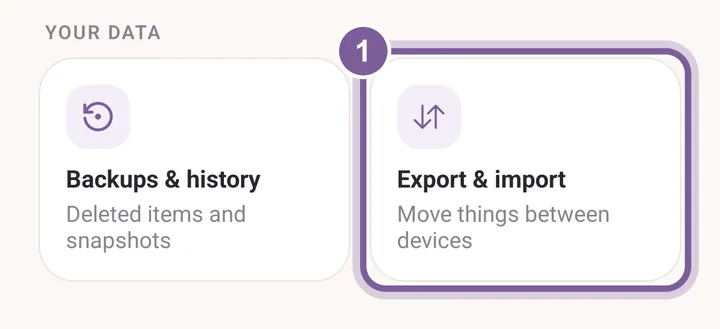
Backups & history, beside it, is for getting back something you deleted. Check that Export is chosen. Everything is ticked to start with.
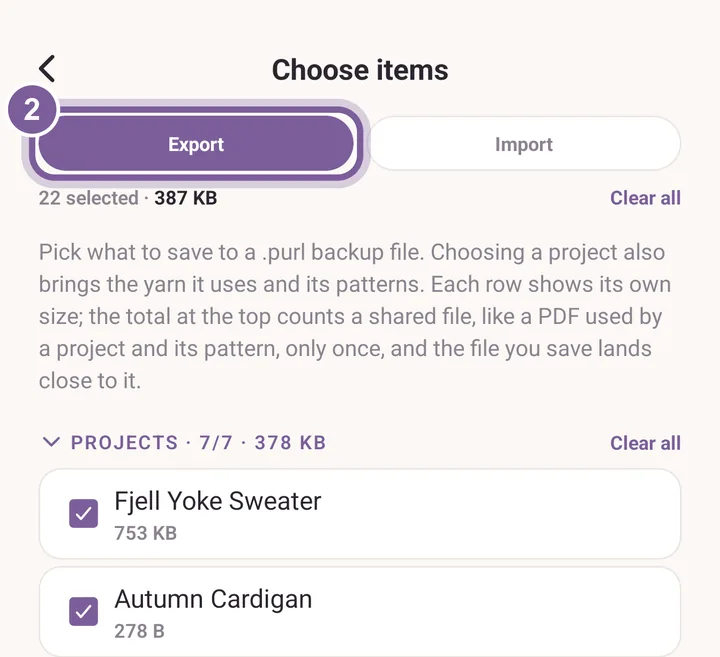
Untick anything you want to leave out. Tap Export at the bottom and choose where the file goes.
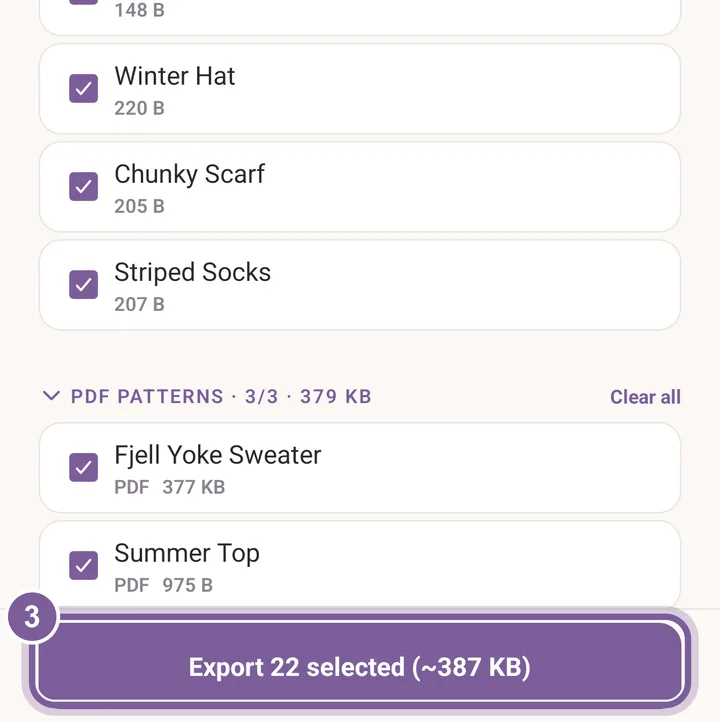
Save it to a cloud drive or a computer, not just the phone.
To bring it back, choose Import on the same screen. More in Backups and recovery.