
Make a colour chart
Draw your own colourwork, one square per stitch. You can print it, or add it to a pattern.
Tap More, then tap Colour charts.
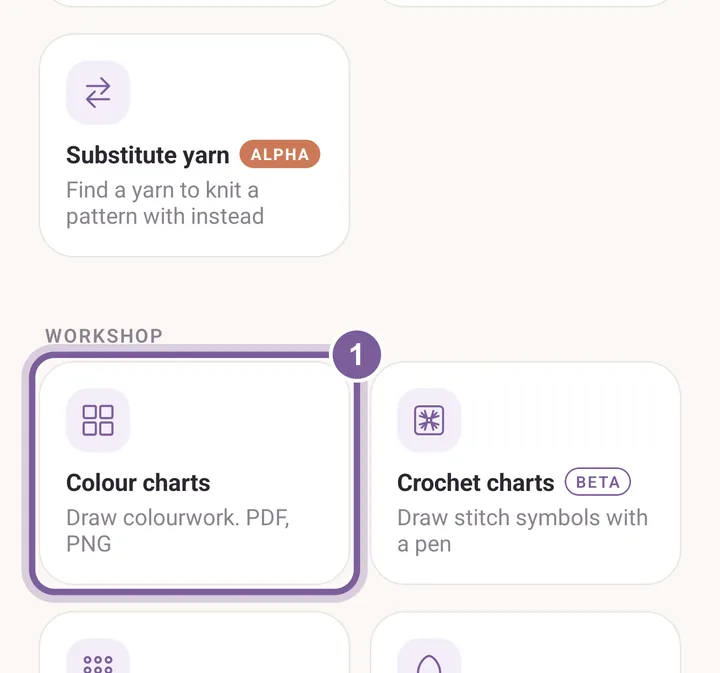
Colour charts is under Workshop. Tap New chart.
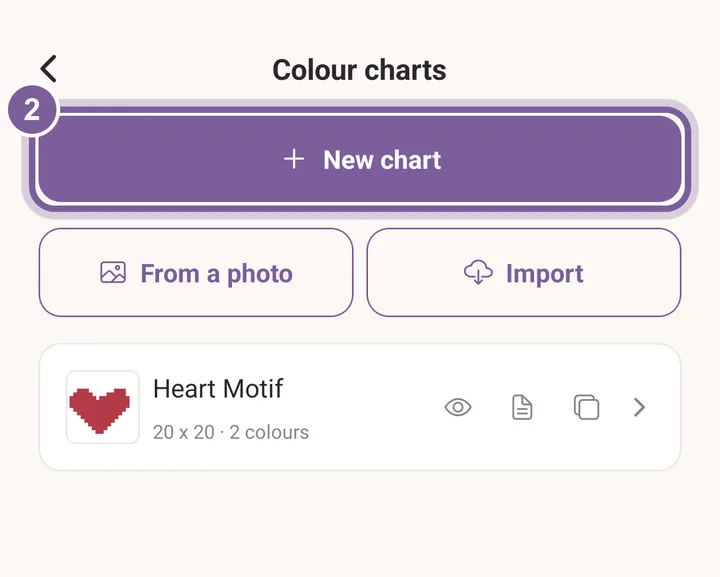
Your saved charts are listed under it. Set Stitches (width) and Rows (height), then tap Make the chart.
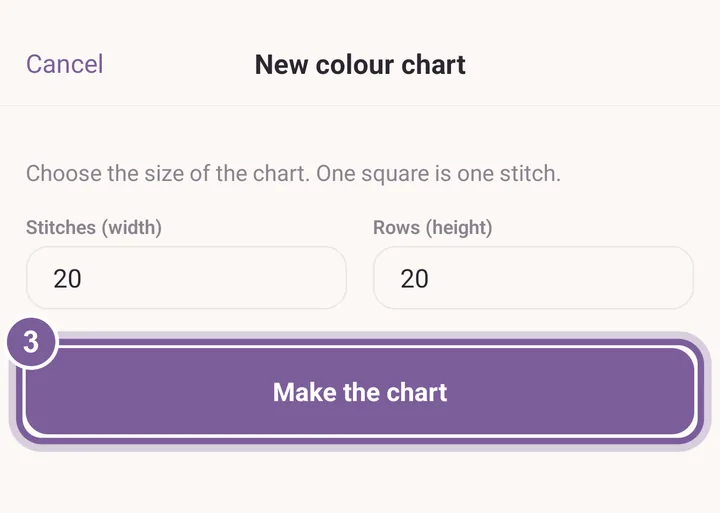
One square is one stitch. Pick a colour at the bottom and tap squares to paint them.
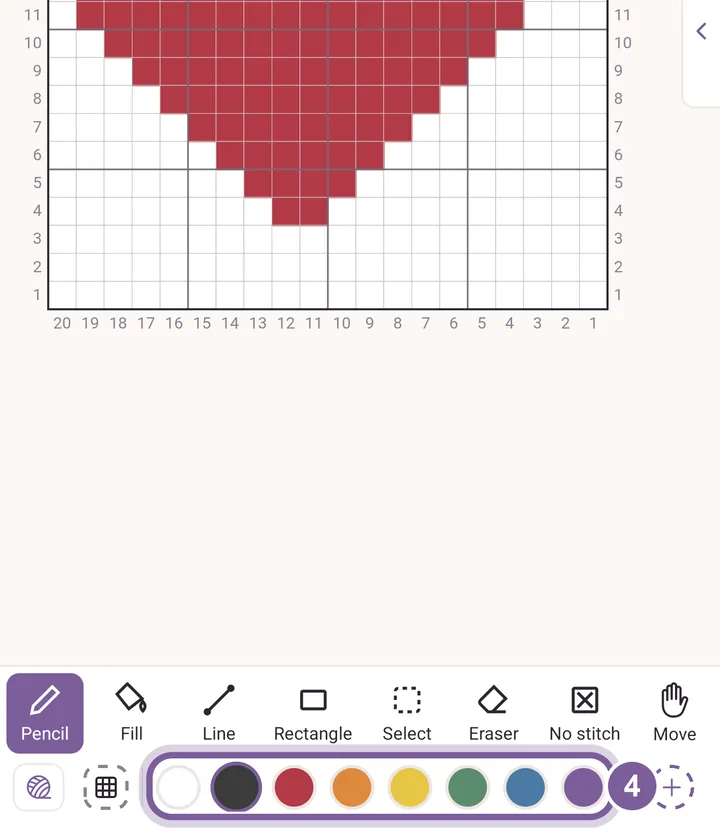
The chart saves as you go.
More in Colour charts and Make a chart.