
Mark your row
Lay a coloured band over the row you are knitting in a PDF pattern. You move it on as you go, so you never lose your place.
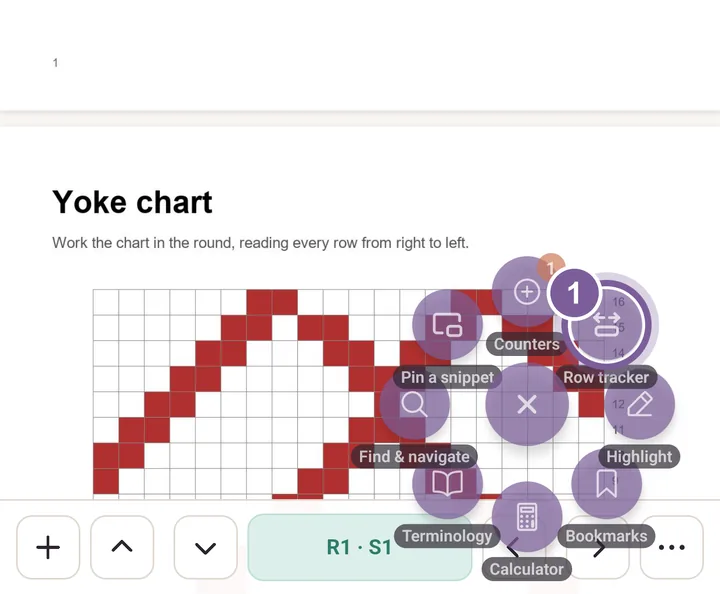
Open a PDF pattern, tap the round tool button, then tap Row tracker.
The Trackers sheet opens. In Trackers, tap Row counter. In the Counter sheet that opens, tap Set.
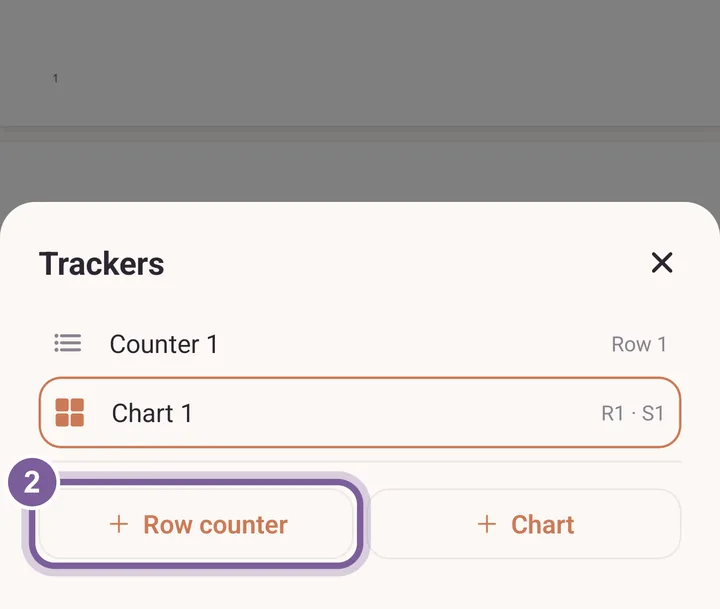
Trackers you already made for this pattern are listed above the buttons. Drag the band by its numbered tab onto the row you are on.
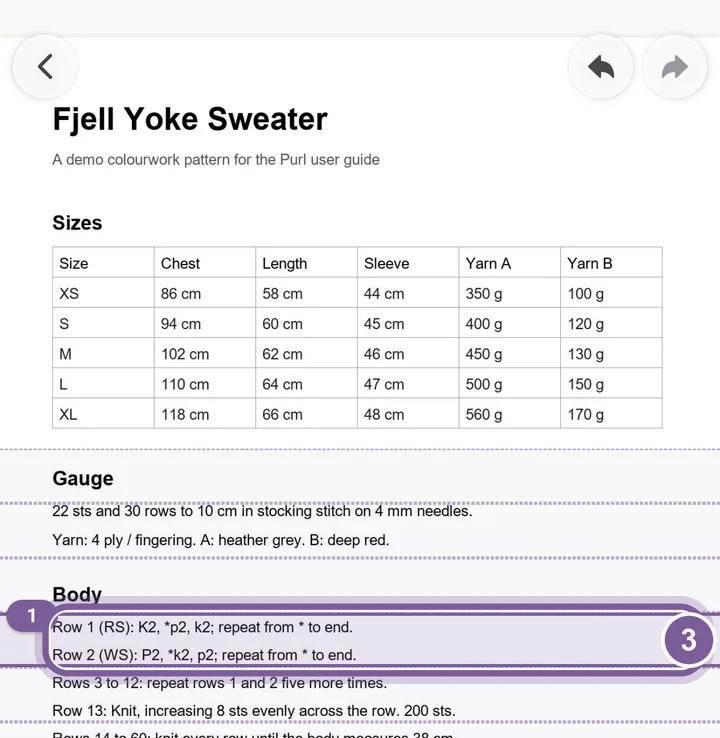
The number on the tab is the row you are on. Tap the down arrow when you finish a row.
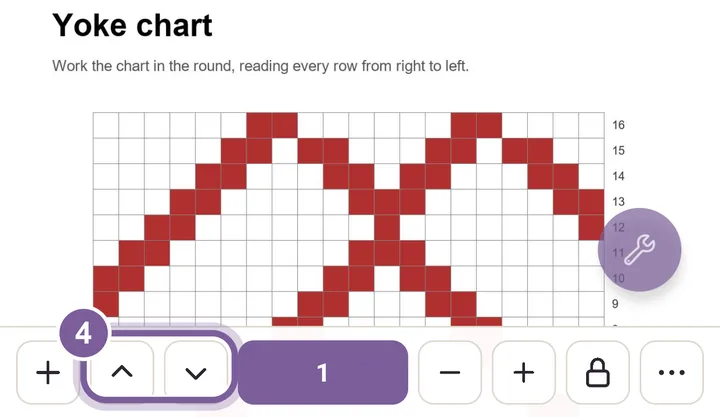
The band moves one row on, and the count goes up by one.
More in PDF tools, under Row tracker.