
Add a yarn
Put a yarn you own into your stash. Purl then knows what you have, and how much, when you plan a project.
Tap Stash, then tap Add at the top right.
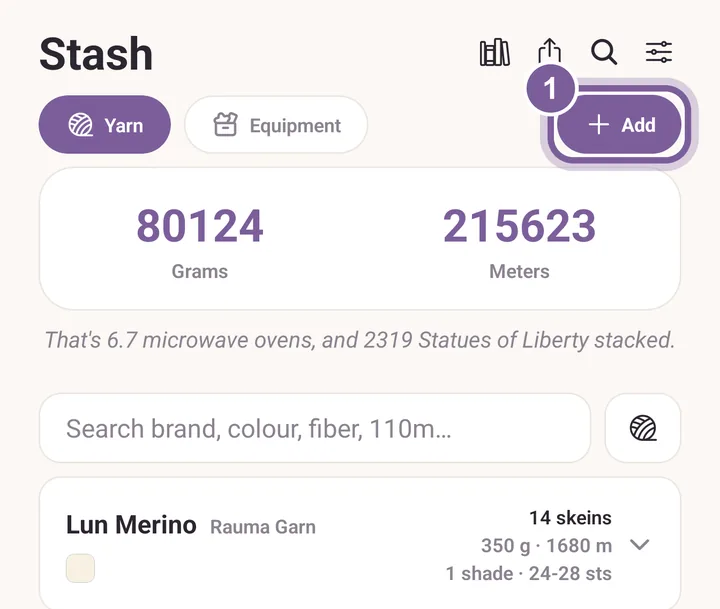
Add opens an empty yarn form. Type the Brand and the Yarn name.
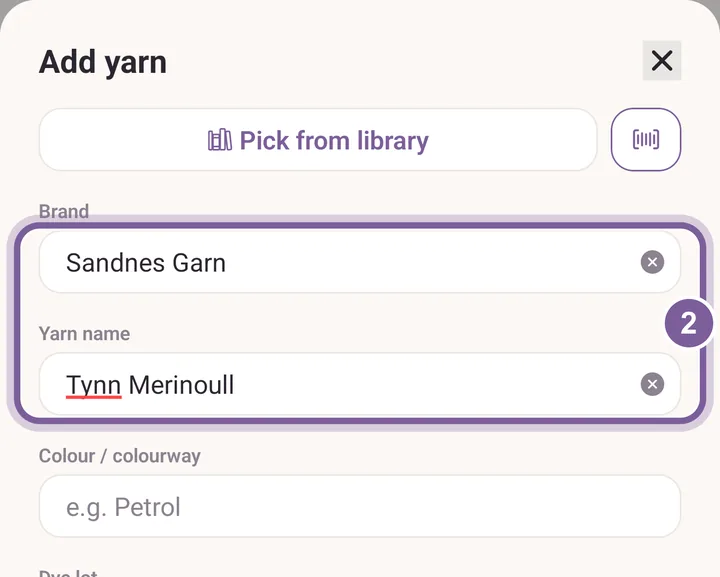
Only these two are needed. Colour and dye lot can wait. Scroll down and fill in Skeins and Grams / skein.
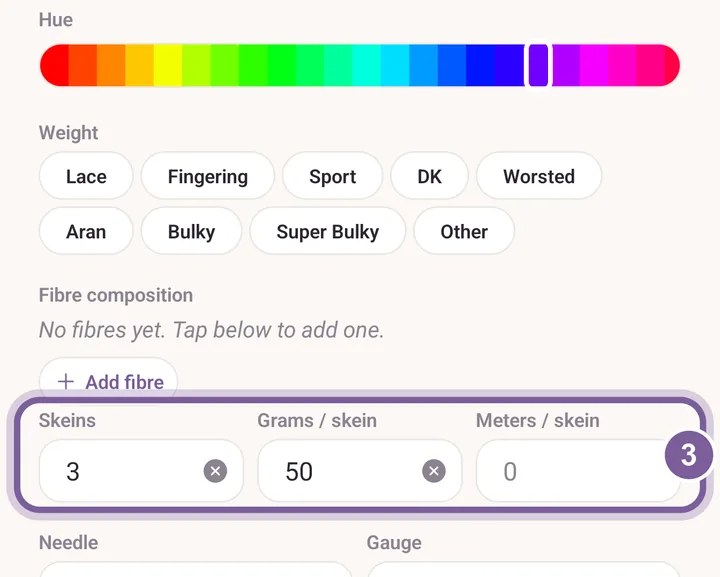
Purl adds up the grams and meters for the whole stash. Tap Add to stash.
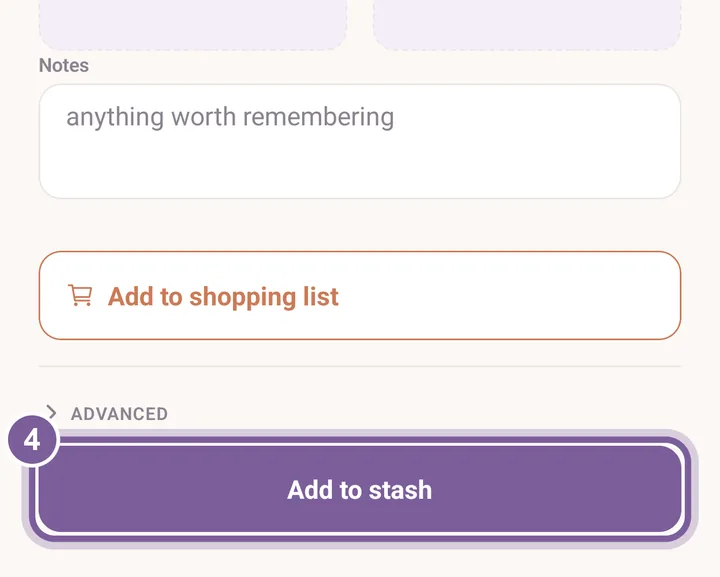
The yarn now has its own row in Stash.
More in Yarn stash and Get your yarn in.