
Import a PDF pattern
Bring a pattern you bought or downloaded into Purl. It then opens with counters, a row marker and a chart tracker on top.
Tap Patterns, then tap Import.
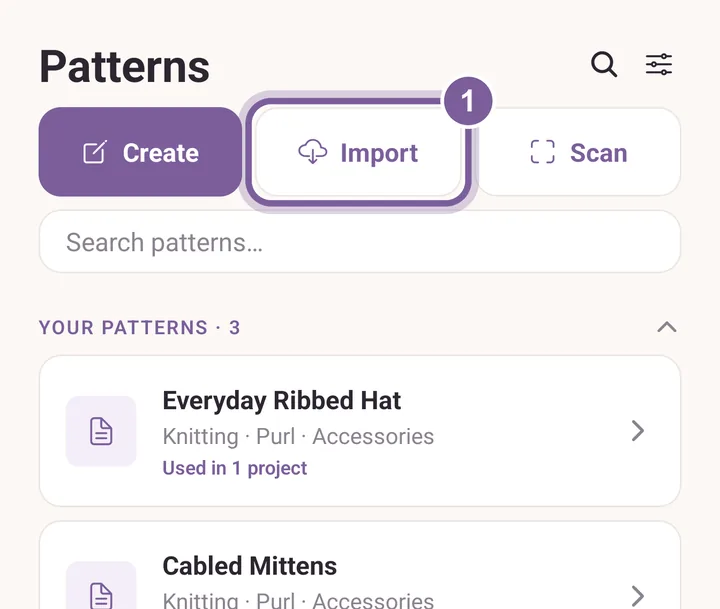
Import opens your phone's file picker. Find the PDF on your phone and tap it.
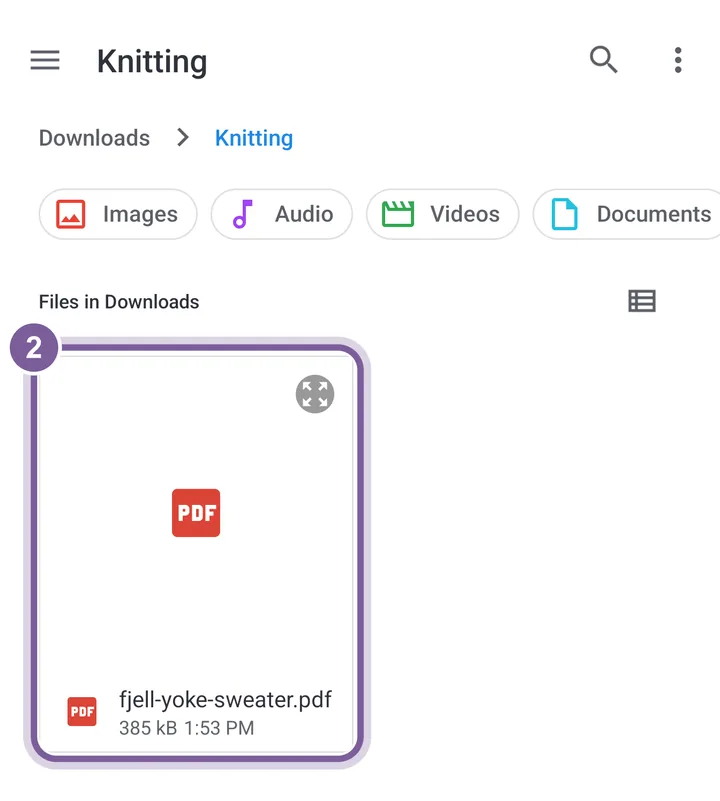
Look in Downloads first. That is where a browser saves files. Tap the new pattern under PDF patterns, then tap Open.
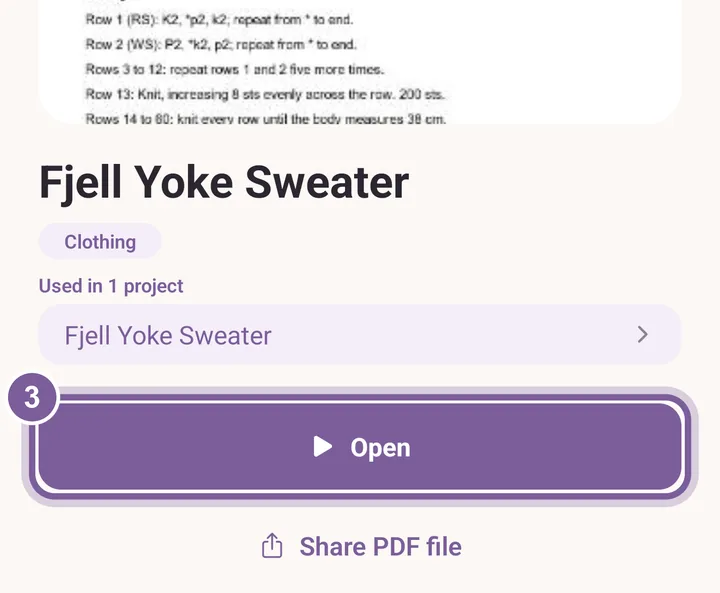
Opening it also makes a project for it, named after the pattern.