
Count rows
Count rows, repeats or decreases while you read a PDF pattern. A counter belongs to the pattern, so it is still there next time.
Open a PDF pattern and tap the round tool button at the bottom right.
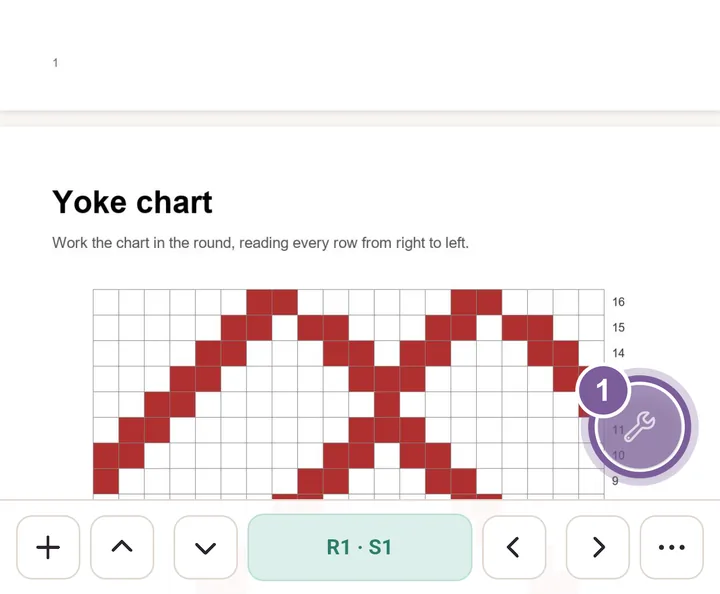
The tools fan out around the button. Tap Counters.
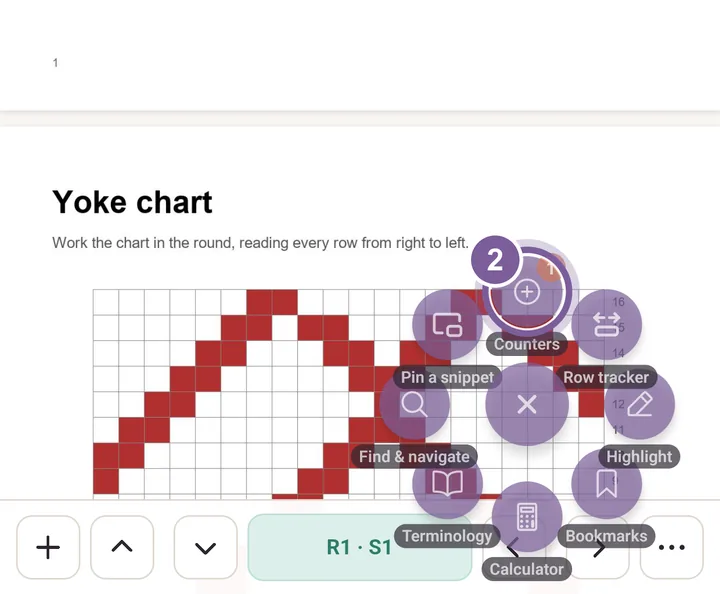
Tap the button again to close the fan. Tap Add counter and type a name over the placeholder.
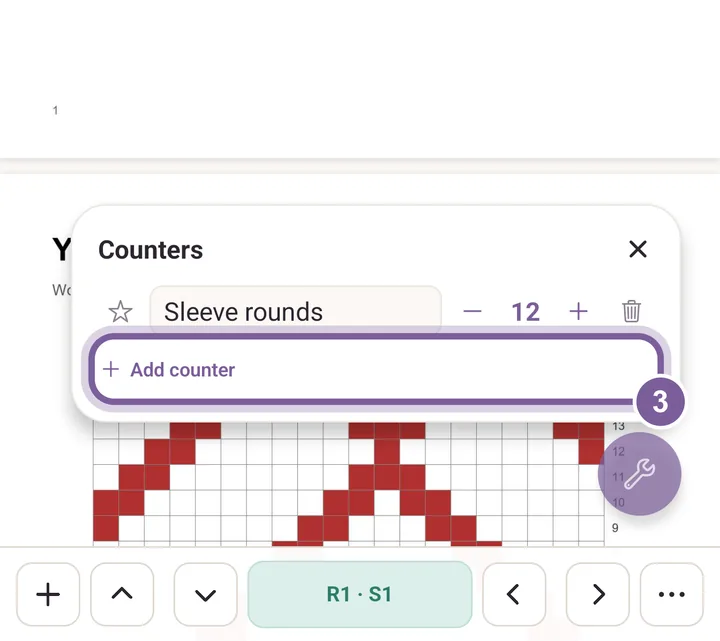
Give each thing you count its own counter. Tap the plus each time you finish a row.
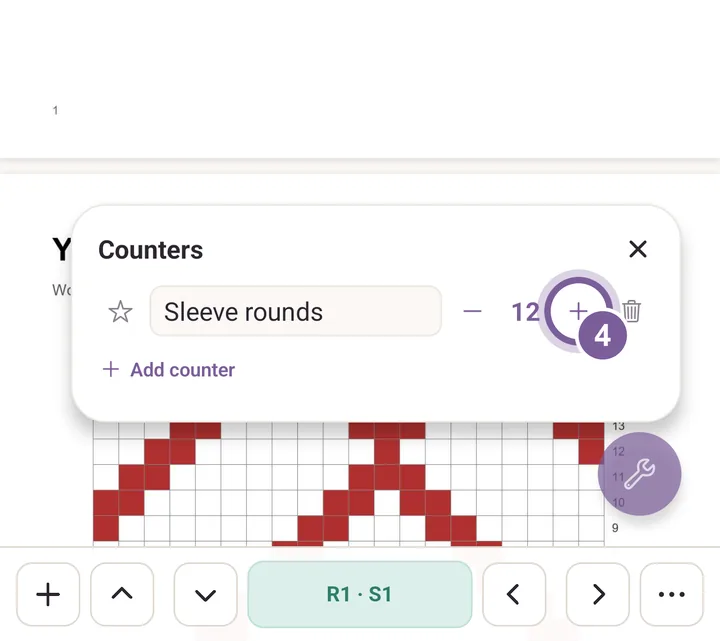
Minus takes one off. Tap the star to keep the counter on the page.
More in PDF tools, under Counters.