
Start a project
A project is the thing you are making. It ties a pattern and your yarn together, and keeps track of how far you have come.
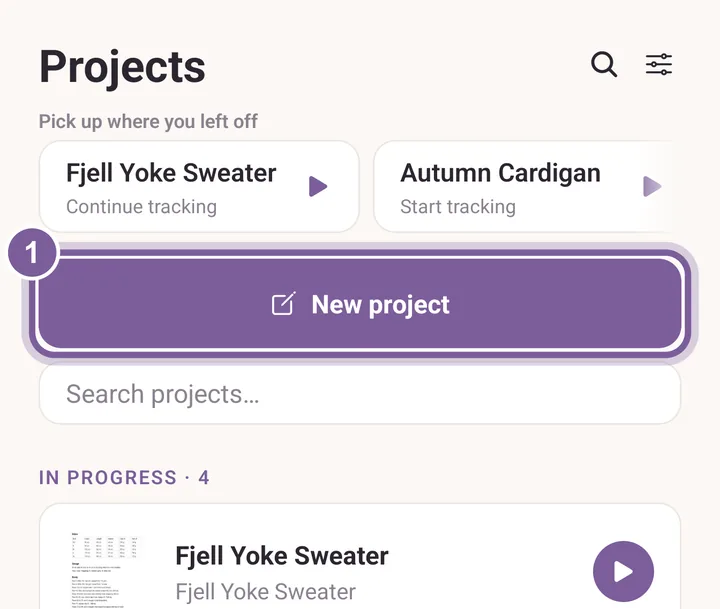
Tap Projects, then tap New project.
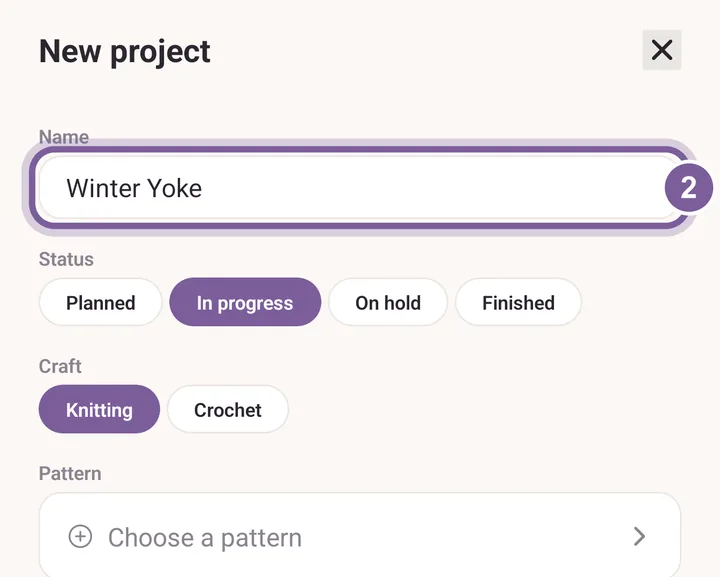
Opening a pattern also starts a project for you. Type a Name for it.
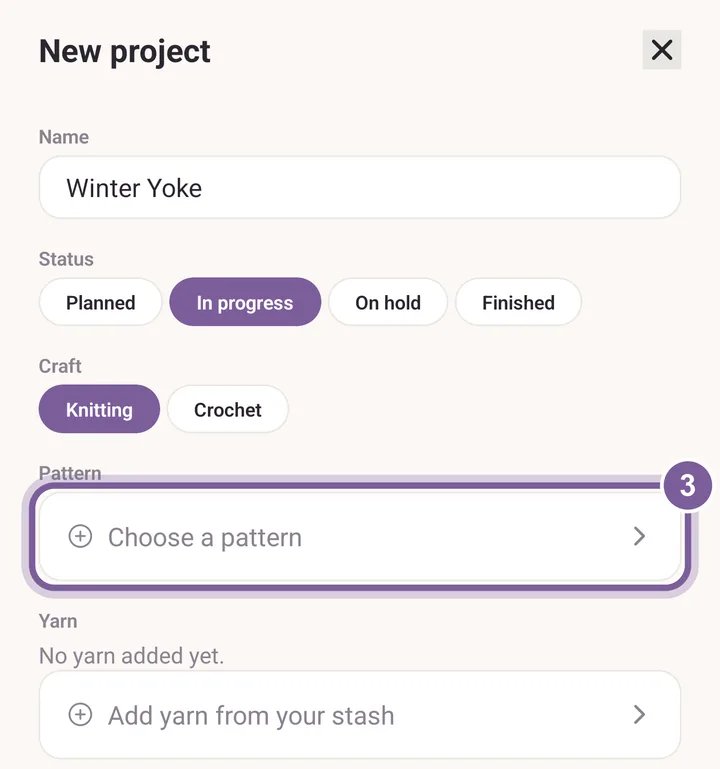
The name is the only thing a project needs. Tap Choose a pattern and pick one. Add yarn the same way, with Add yarn from your stash.
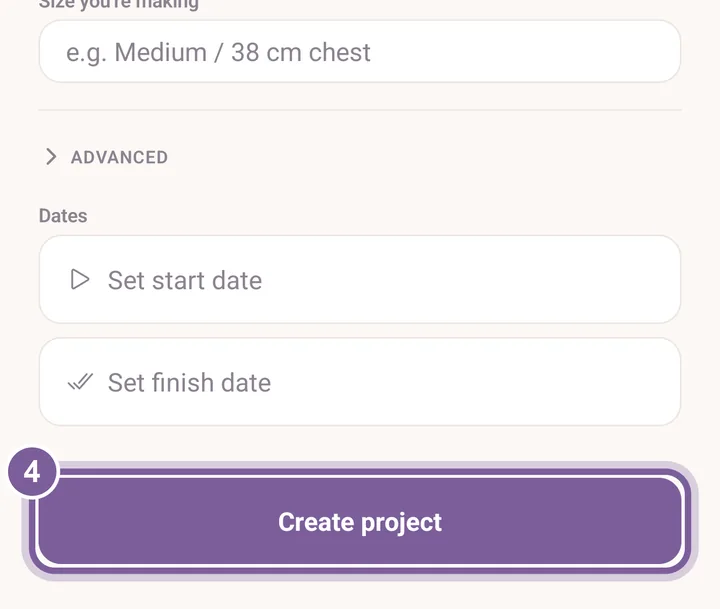
Both can wait. You can add them later with Edit. Scroll down and tap Create project.
The project shows on the Projects tab, under its status.
More in Projects and Your first project.